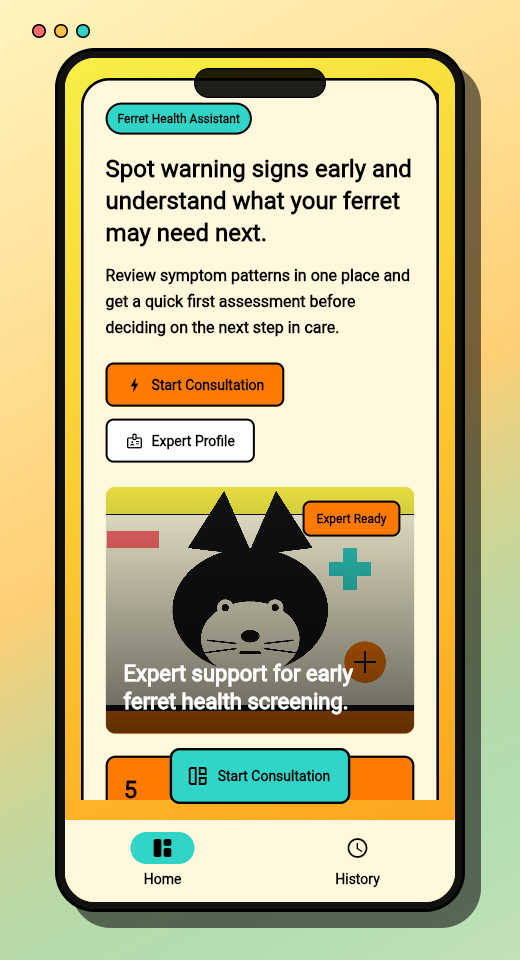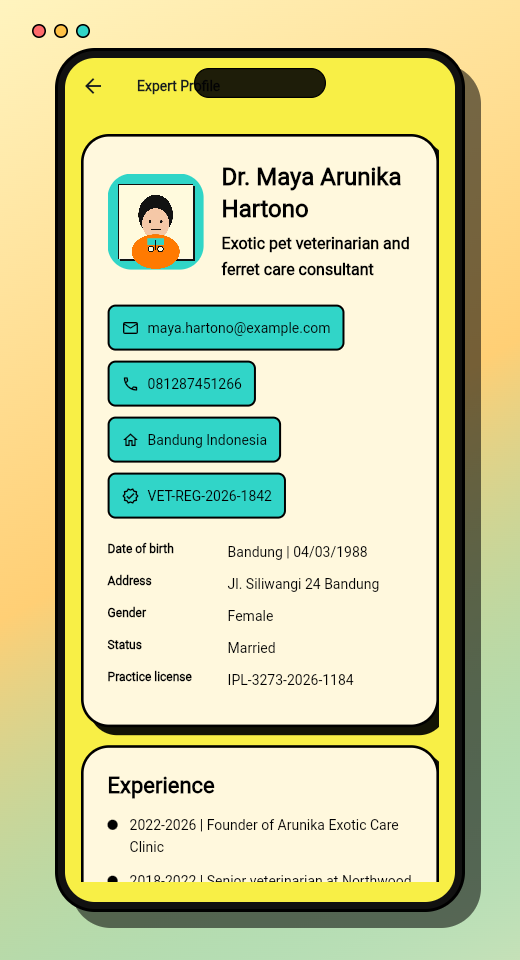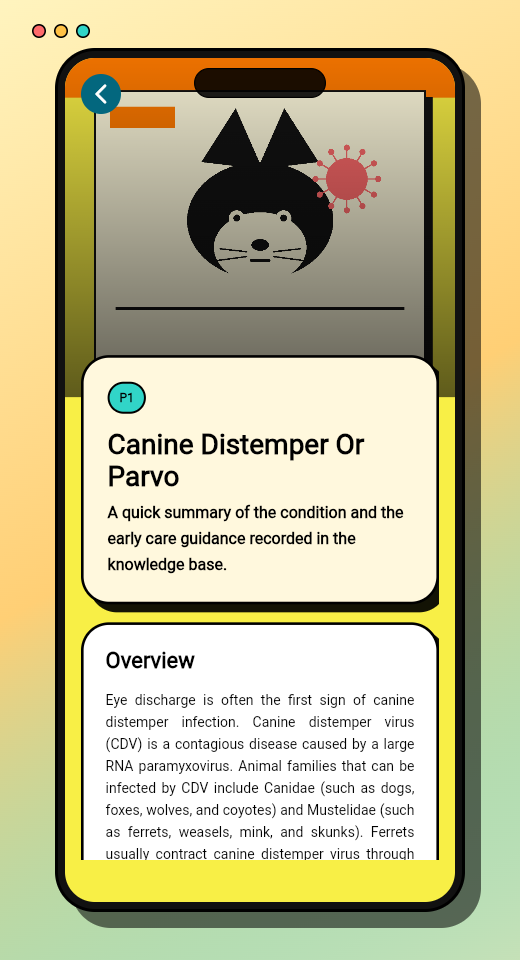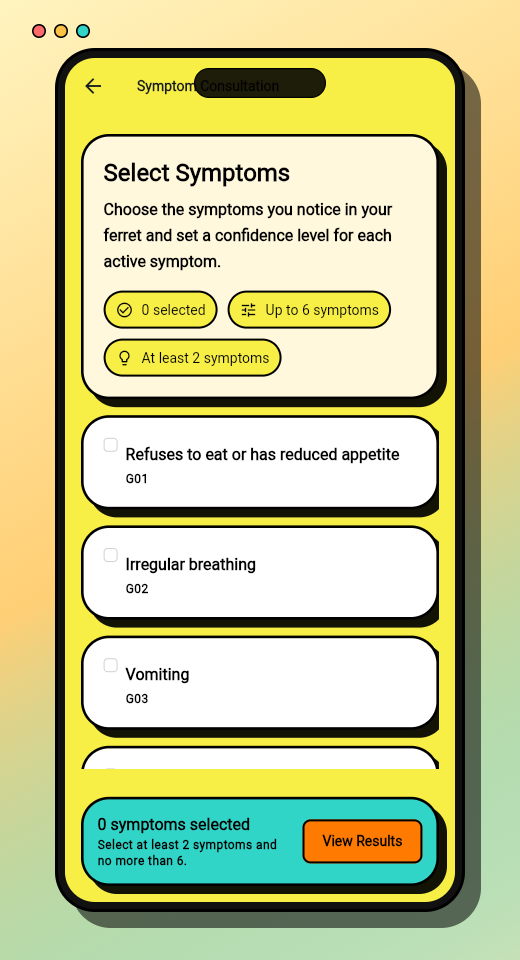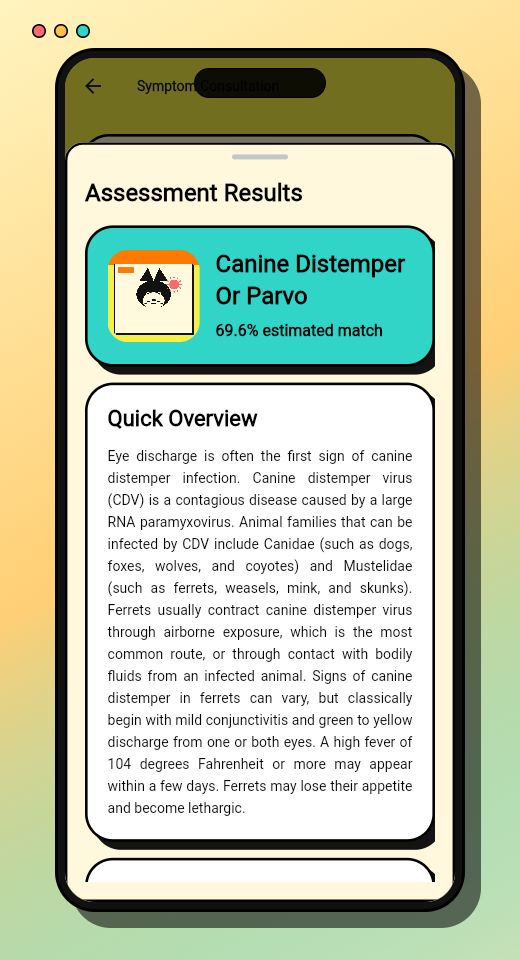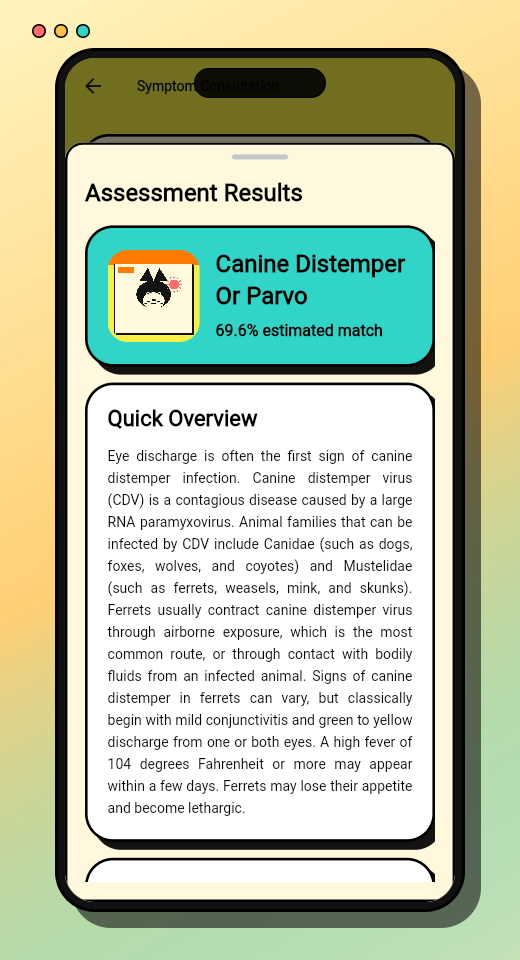
Ferret Health Assistant is a complete Flutter source code package for a mobile expert-system app focused on early ferret health screening.
I built this project as a product-ready starter for developers, students, and makers who want to learn how a rule-based health assistant can be structured in Flutter without starting from a blank project. The app combines a CSV-driven knowledge base, Certainty Factor calculation, local consultation history, and a bold brutalist interface that feels more distinctive than a generic checklist app.
The source code is available through Gumroad and is designed to be studied, customized, and adapted into a focused expert-system product.
What you get
This package gives you a working Flutter project, not only a UI mockup.
It includes the app shell, data loading flow, consultation screens, diagnosis result handling, local history, visual assets, and documentation for setup and customization. The web preview on this page shows the app in a mobile-style frame so the product can be explored before downloading the source package.
The project is useful if you want to:
- study a practical Flutter expert-system implementation
- build a small health-awareness app with a structured rule base
- customize disease, symptom, confidence, and app branding data from CSV files
- learn how Certainty Factor scoring can be applied in a mobile app
- use a finished source package as a faster starting point for an academic or portfolio project
- explore a brutalist mobile UI direction that does not look like a default template
Core features
Ferret Health Assistant is built around a configurable knowledge-base workflow.
- Disease descriptions, images, and care guidance are loaded from
assets/doc/diseases.csv. - Symptom data is loaded from
assets/doc/symptoms.csv. - Disease-to-symptom weights are loaded from
assets/doc/disease_symptom_weights.csv. - User confidence options are loaded from
assets/doc/certainty_factors.csv. - App branding copy is loaded from
assets/config/app_config.csv. - Expert profile content is loaded from
assets/config/expert_profile.csv. - State management is handled with
provider. - Consultation history is stored locally with
shared_preferences. - The app includes a splash/logo asset and product-oriented screen flow.
- The web build is presented in a fixed mobile-style frame for showcase and demo use.
Because the knowledge data is separated into CSV files, the project is easier to modify than a hardcoded rule system. You can update symptom labels, disease descriptions, weights, confidence options, and branding content without rewriting the app flow from scratch.
Why Certainty Factor
The Certainty Factor method is a good fit for an expert-system product because symptoms are rarely absolute. A user may be unsure, moderately confident, or very confident about what they observe, so the scoring model needs to express uncertainty clearly.
For buyers who want source code that is not only usable but also easy to explain in a proposal, thesis, demo, or client presentation, the formula structure matters. In this project, the model is intentionally presented in a way that is easy to teach and easy to follow.
Basic Certainty Factor Formula
CF(H,E) = certainty level for disease hypothesis H based on symptom evidence E
MB(H,E) = degree of belief in the disease
MD(H,E) = degree of disbelief in the disease
In this project, the active workflow uses positive expert and user confidence values, so the operational formula is easier to present:
Symptom Score
CFexpert = expert weight for the relationship between a symptom and a disease
CFuser = user confidence for the observed symptom
CFsymptom = final certainty value for one symptom
The user confidence scale used in the package is:
No=0Slightly Sure=0.4Fairly Sure=0.6Very Sure=0.8Sure=1.0
When one disease is matched by several symptoms, each symptom result is combined step by step:
Combination Formula
After the final certainty value is obtained, the result is converted into a percentage:
Diagnosis Percentage
This makes the scoring model easier to explain in a portfolio, coursework, product demo, or technical handoff. The logic stays understandable, the knowledge base remains editable, and the result flow is visible enough for non-developers to follow.
Example diagnosis flow
To make the method easier to inspect, the source package can also be presented with a concrete disease example.
In the proposal-style explanation below, the disease being calculated is:
Each symptom score is calculated like this:
Then the results are combined in sequence:
Example calculation
If the symptom values produce the following single-step results:
Then the combination steps become:
The final diagnosis percentage is:
That means, based on the selected symptoms, the ferret has a 97,2352% likelihood of Heartworm in this worked example.
One important note: if you compare this with an older proposal draft that says 94,2352%, the arithmetic shown above actually resolves to 97,2352%. So the formula walkthrough is worth reviewing carefully when the project is reused for academic or presentation material.
Built for customization
The source package is structured so the important parts are easy to find.
lib/
  app/                    # MaterialApp composition and root providers
  core/                   # Models, constants, theme, and shared utilities
  data/                   # CSV data sources and repositories
  presentation/           # Providers, screens, and widgets
  main.dart               # Entry point
assets/
  config/                 # App config and expert profile CSV files
  doc/                    # Knowledge base CSV files
  images/                 # Disease, expert, home, and splash assets
docs/
  INSTALLATION.md         # Setup, customization, build, and release guide
  CURRENT_STATES.md       # Current implementation snapshot
  DECISIONS.md            # Important technical decisions
The CSV layer is separated into two groups.
Knowledge-base data:
diseases.csvsymptoms.csvdisease_symptom_weights.csvcertainty_factors.csv
Product configuration:
app_config.csvexpert_profile.csv
This separation makes the project easier to rebrand, explain, and extend. You can keep the existing Ferret Health Assistant direction, or use the same structure as a reference for another expert-system domain.
Who this source code is for
This package is suitable for:
- Flutter learners who want a complete app example beyond a basic CRUD demo
- students working on expert-system, decision-support, or Certainty Factor projects
- developers who want a faster starting point for a niche mobile assistant app
- portfolio builders who want to study a more complete product flow
- makers who want to customize an app with CSV-based knowledge data
It is especially helpful if you want to understand how product structure, data files, state management, and UI flow can work together in one Flutter codebase.
What makes it different
Many starter projects stop at layout.
Ferret Health Assistant includes the pieces that make the product feel more complete: configurable data, local history, scoring logic, documentation, visual identity, and a demo-ready presentation. The brutalist visual direction also gives the app a stronger personality, which helps it stand out from the common clean-but-generic health template style.
The goal is not to provide a universal medical product. The goal is to provide a clear, customizable Flutter expert-system source package that can be learned from, presented, and adapted responsibly.
Availability
The source code package is available on Gumroad:
Before buying or adapting the project, review the product page and documentation so the usage boundaries are clear.
License and usage
The source code is distributed as a proprietary product. Use, copying, modification, redistribution, sublicensing, resale, or reuse of the source code and bundled assets is not allowed unless permitted by the product license or written permission from the copyright holder.
If you customize the project, keep the license terms and health-related disclaimers clear in your own distribution.
Disclaimer
Ferret Health Assistant is an educational and decision-support source code project. It is not a veterinary diagnosis tool, medical device, emergency-care system, or replacement for a qualified veterinarian.
If a ferret appears sick, injured, lethargic, in pain, or shows worrying symptoms, the safest next step is to contact a qualified veterinarian.